
PM Youth Chromebook Scheme 2026: Eligibility, Registration and Apply Online
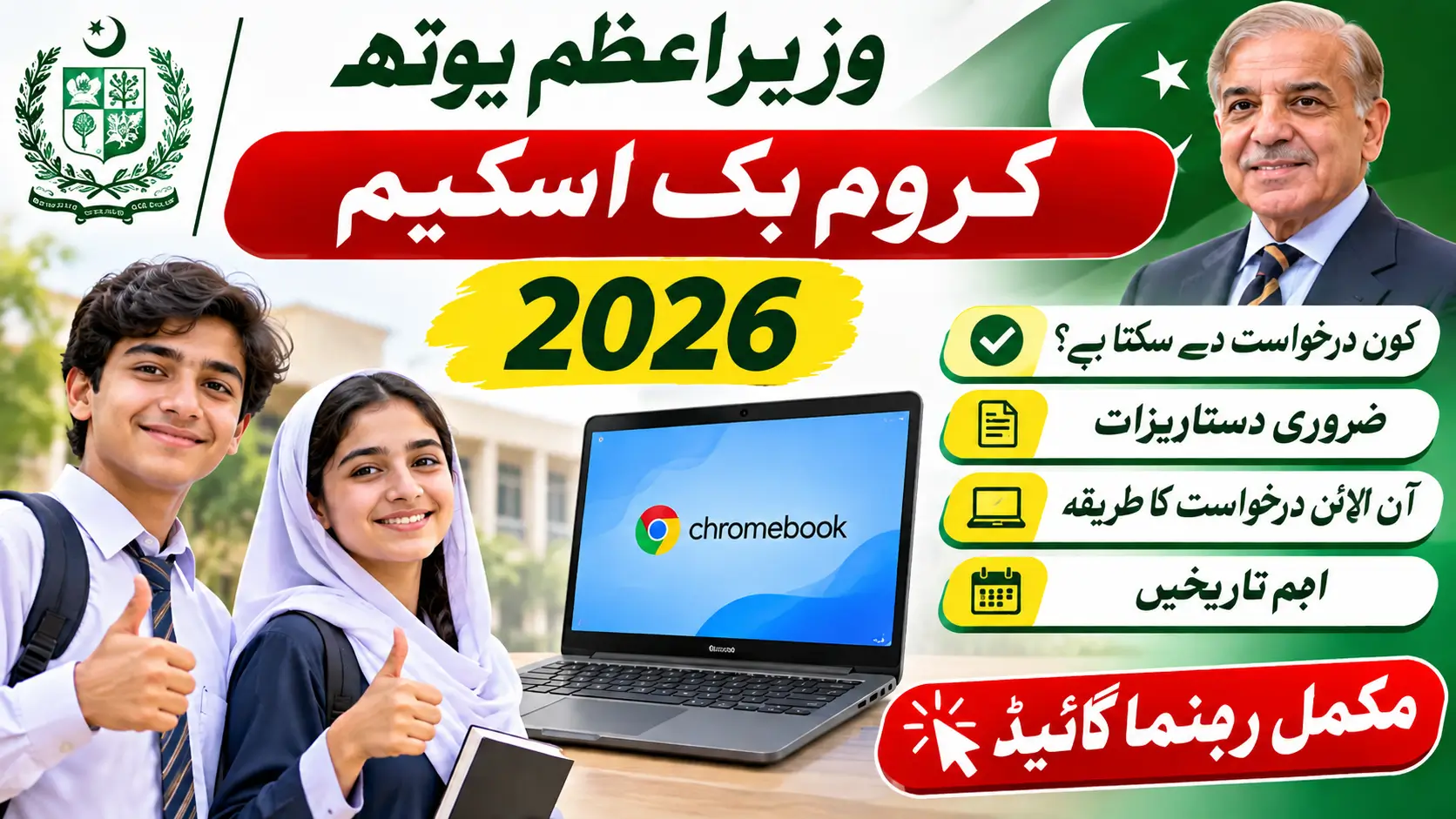
PM Youth Chromebook Scheme 2026. If you are a student at a government school and want to know about the PM Youth Chromebook Scheme 2026, you may have questions about eligibility, registration, required documents and application status. I have prepared this guide to explain the complete process in simple English. You will learn which classes can apply, how to check your record, what documents to upload and how to save your application slip.
Quick Answer: The PM Youth Chromebook Scheme 2026 is a government initiative for top-performing students of government schools. Students can check their eligibility and register through the official IBCC portal at pmychromebooks.ibcc.edu.pk. Eligibility depends on the education board, class and 2026 annual examination results.
PM Youth Chromebook Scheme 2026 – Quick Overview
The following table gives you the main information about the scheme. I recommend checking the official portal before starting your application because registration availability can differ between education boards.
| Detail | Information |
|---|---|
| Scheme name | Prime Minister’s Youth Chromebook Scheme 2026 |
| Official portal | pmychromebooks.ibcc.edu.pk |
| Administering authority | Inter Boards Coordination Commission (IBCC) |
| Eligible students | Top-performing government school students |
| Selection basis | Annual Examination Results 2026 |
| Punjab, Sindh, KPK and Balochistan | Grade 9 (SSC-I) |
| AJK, Islamabad and Gilgit-Baltistan | Grade 9 and Grade 10 |
| Private school students | Not eligible |
| Registration method | Online through the official portal |
| Required documents | Photograph, mark sheet, B-Form/CNIC and parent’s or guardian’s CNIC |
| Application fee | No fee is listed on the official application instructions |
| Chromebook quantity | Not specified on the application portal |
| Device model | Not confirmed on the application portal |
What Is the PM Youth Chromebook Scheme 2026?
The PM Youth Chromebook Scheme 2026 is a government initiative designed to support talented students through access to Chromebook devices. The programme focuses on top-performing students studying in government schools, with selection based on their Annual Examination 2026 results.
A Chromebook is a laptop-style computer that runs on Google’s ChromeOS operating system. Students can use this type of device for online classes, educational research, assignments, document preparation and exam preparation.
I recommend checking the official scheme information before believing claims about a particular Chromebook brand, model or specification. The IBCC application portal explains eligibility and registration, but it does not confirm a specific device model.
The scheme is especially important for students who want to know whether their board has opened registration and whether their examination record appears on the official portal.
Who Can Apply for the PM Youth Chromebook Scheme 2026?
Eligibility is one of the most important parts of this programme. The scheme is not available to every student in Pakistan. Only students who meet the education board, class and government-school requirements can be considered.
According to the official IBCC portal, the eligibility criteria are divided into two groups.
1. Classes and Education Boards
The eligible classes depend on the student’s education board and region.
| Province or Region | Eligible Classes |
|---|---|
| Punjab | Grade 9 (SSC-I) |
| Sindh | Grade 9 (SSC-I) |
| Khyber Pakhtunkhwa (KPK) | Grade 9 (SSC-I) |
| Balochistan | Grade 9 (SSC-I) |
| Azad Jammu and Kashmir (AJK) | Grade 9 and Grade 10 |
| Islamabad Capital Territory (ICT) | Grade 9 and Grade 10 |
| Gilgit-Baltistan (GB) | Grade 9 and Grade 10 |
For example, a Grade 9 student from a government school in Punjab can be considered under the scheme if they meet the selection requirements. However, Grade 10 students from Punjab are not included in the published criteria.
I recommend checking your board and class carefully before beginning the application. Selecting the wrong board can prevent you from finding your examination record.
2. Government Schools Only
The scheme is limited to students enrolled in government schools.
Students studying in private schools are not eligible under the criteria published on the official IBCC portal.
Before applying, I would advise you to confirm your school status with your school administration if you are unsure whether your institution is listed as a government school.
3. Selection Based on Academic Performance
The scheme considers students according to their performance in the Annual Examinations 2026.
Students with strong examination results may be included in the lists submitted by their respective education boards to IBCC.
However, the official application portal does not publish one nationwide minimum percentage or fixed merit cut-off. I would not recommend trusting social media posts that promise eligibility based on an unverified percentage.
4. Age Limit and Additional Conditions
The eligibility information displayed on the official portal does not specify a separate age limit.
Students must meet the published class, school and examination requirements. If the application portal displays any additional condition during registration, follow the official instructions.
Documents Required for PM Youth Chromebook Scheme Registration
Before starting your application, prepare all the required documents. The official portal asks students to upload identification and academic documents for verification.
Here is the complete document list:
| Required Document | Details |
|---|---|
| Recent colour photograph | Front-facing photograph with a plain background |
| Examination mark sheet | Grade 9 or Grade 10 mark sheet, according to eligibility |
| B-Form or CNIC | Attested copy of the student’s B-Form or CNIC |
| Father’s or guardian’s CNIC | Attested copy of the father’s or guardian’s CNIC |
Document Upload Requirements
The portal also provides file format and size instructions:
- Photograph: JPG or PNG format, up to 300 KB.
- Mark sheet: JPG, PNG or PDF format, up to 300 KB.
- Student’s B-Form or CNIC: JPG, PNG or PDF format, up to 300 KB.
- Father’s or guardian’s CNIC: JPG, PNG or PDF format, up to 300 KB.
I recommend checking each document before uploading it. Your photograph should be clear, and all numbers and details on your mark sheet and identification documents should be readable.
Keep your original documents available because the relevant authorities may need them for verification.
How to Apply for PM Youth Chromebook Scheme 2026 Online
Students can start their applications through the official IBCC registration portal. The process begins by finding their examination record in the list provided by their education board.
Follow these steps to complete the registration.
Step 1: Visit the Official Website
Open your browser and visit:
Make sure the website address is correct before entering your personal information. I recommend avoiding unofficial registration links shared through social media.
Step 2: Select Your Education Board
On the registration page, find the board selection option.
Choose the education board under which you appeared in your Annual Examination 2026.
Make sure you select the correct board because the portal checks your information against the record submitted by that board.
Step 3: Enter Your Identification or Examination Number
The portal allows you to search for your record using any one of these details:
- CNIC or B-Form number
- Examination roll number
- Registration number
Enter the selected number without dashes, as instructed on the portal.
Step 4: Enter Your Date of Birth
Select your correct date of birth in the required fields.
Your date of birth should match the information available in your education board’s record.
Step 5: Complete the Security Check
The registration page displays a simple mathematics question.
Calculate the answer and enter it in the security check field. This step helps the portal verify that the application is being completed by a person.
Step 6: Find Your Student Record
After entering your board, identification or examination number, date of birth and security answer, select the Find My Record option.
The portal checks your information against the list provided by your education board.
Step 7: Check Your Personal and Academic Details
If your record is available, carefully review the information displayed on the screen.
Your name, school and examination marks are taken from the board’s submitted record.
I recommend checking these details before moving to the next step. If something is incorrect, contact your relevant education board rather than entering false information.
Step 8: Upload Your Required Documents
Upload the documents requested by the portal:
- Recent colour photograph.
- Grade 9 or Grade 10 mark sheet, as applicable.
- Attested copy of your B-Form or CNIC.
- Attested copy of your father’s or guardian’s CNIC.
Check the file format and size before uploading each document.
Step 9: Review and Submit Your Application
Before submitting, review your personal details and uploaded documents.
The official portal warns that students cannot change the form themselves after submission. Therefore, check everything carefully before completing the process.
Step 10: Download Your Application Slip
After successful submission, the portal provides a reference number and an application slip that you can download.
Save your slip on your mobile phone or computer. You can also take a screenshot and keep a backup copy.
Your reference number is important for future application-related enquiries.
Important Dates and Registration Status
Students should check registration availability according to their education board. The scheme does not have one registration schedule that applies to every board.
As checked on 28 November 2026, the official IBCC portal displays the following notice for Sindh:
| Sindh Education Board | Portal Status |
|---|---|
| BSE Karachi | Open |
| BISE Larkano | Open |
| BISE Shaheed Benazirabad | Open |
| BISE Hyderabad | Coming soon |
| BISE Sukkur | Coming soon |
| BISE Mirpur Khas | Coming soon |
The portal states that registration for Sindh students is being opened as the relevant boards declare their Grade 9 Annual Examination 2026 results.
For other regions, check the board selection list on the official portal to confirm whether your board is available.
Some individual boards have also published their own registration instructions. For example, BISE Multan published a notice asking eligible students to complete registration by 19 October 2026. This shows why students should check their own board’s notifications instead of relying on one general deadline.
I recommend checking both your education board’s website and the IBCC portal before assuming that registration is open or closed.
How to Check Your PM Youth Chromebook Application Status
After completing registration, keep your application reference number and downloaded slip safe.
The official portal explains that students receive a reference number and application slip after submission. It does not describe a separate public application-status tracking page in the instructions currently displayed. You can follow these steps:
- Visit the official IBCC Chromebook portal.
- Keep your application reference number ready.
- Check the portal for any new instructions or application updates.
- Contact your education board if you have a problem with your examination record.
- Follow official announcements about verification and selection.
I recommend using only official board and IBCC channels for application enquiries. Do not share your personal documents or reference details with unknown people who offer to check your application.
What Should You Do If Your Record Is Not Found?
Some students may have difficulty finding their records during registration. The official portal provides instructions for this situation. Try the following steps:
- Check that you selected the correct education board.
- Enter your roll number instead of your CNIC or B-Form number.
- Try your registration number if the other number does not work.
- Make sure your date of birth matches your board record.
- If the portal still cannot find your information, contact your education board.
I recommend checking your examination details with your school or board before trying to submit another application.
Common Mistakes to Avoid During Registration
Students should be careful when completing the PM Youth Chromebook Scheme application. Small mistakes can create problems during the registration and verification process. Here are some common mistakes to avoid:
- Selecting the wrong education board: Always choose the board under which you appeared in your examination.
- Entering an incorrect identification number: Check your B-Form, CNIC, roll number or registration number before submitting.
- Using an incorrect date of birth: Enter the same date of birth available in your board record.
- Uploading unclear documents: Use readable photographs and document scans.
- Applying from a private school: The published eligibility criteria cover government school students only.
- Applying for an ineligible class: Grade 10 is included only for AJK, ICT and Gilgit-Baltistan under the published criteria.
- Submitting incorrect information: False information can cancel Chromebook allocation and may lead to further action.
- Submitting more than one application: The portal allows only one application per student.
- Ignoring the final review: The portal does not allow students to change the submitted form themselves.
- Trusting unofficial registration links: Use the official IBCC website for registration.
Is the PM Youth Chromebook Scheme Free?
The official application instructions do not list a registration fee or payment requirement. Students should use the official portal and avoid paying unknown agents or individuals who promise guaranteed registration or Chromebook allocation. I recommend checking any payment-related announcement directly with IBCC before taking action.
Which Chromebook Model Will Students Receive?
The official registration portal explains the eligibility and application process, but it does not confirm a particular Chromebook brand, model or technical specification.
Students should avoid relying on unofficial posts that promise a specific device.
For accurate information, check the official portal and wait for an announcement from the relevant authorities.
FAQs
1. What is the official website of the PM Youth Chromebook Scheme?
The official registration website is https://pmychromebooks.ibcc.edu.pk/. Students should use this portal to find their records and complete the application.
2. Who is eligible for the PM Youth Chromebook Scheme 2026?
Top-performing students enrolled in government schools can be considered. Grade 9 students are eligible in Punjab, Sindh, KPK and Balochistan, while Grade 9 and Grade 10 students are included in AJK, ICT and Gilgit-Baltistan.
3. Can private school students apply?
No. According to the official IBCC eligibility criteria, only students enrolled in government schools are eligible.
4. Can Grade 10 students from Punjab apply?
No. The published criteria include only Grade 9 students from Punjab, Sindh, KPK and Balochistan.
5. What documents are required for registration?
Students need a recent colour photograph, their relevant examination mark sheet, an attested B-Form or CNIC copy, and an attested copy of their father’s or guardian’s CNIC.
6. How can I register for the Chromebook scheme?
Visit the official IBCC portal, select your education board, enter your identification or examination number and date of birth, find your record, upload the required documents and submit your application.
7. Can I apply using my roll number?
Yes. The portal accepts a CNIC or B-Form number, roll number or registration number to find your student record.
8. What should I do if my record is not available?
Try searching with your roll number or registration number instead of your CNIC or B-Form. If your record is still unavailable, contact your relevant education board.
9. Is there a fixed percentage required for selection?
The official portal does not publish one nationwide minimum percentage. Selection is based on the top-performing students identified through the relevant education boards.
10. Can I submit more than one application?
No. The official portal allows only one application per student. Review your details carefully before submitting.
11. What happens after submitting the application?
After successful submission, the portal provides a reference number and a downloadable application slip. Keep both safe for future enquiries.
12. Is the Chromebook scheme registration open for Sindh students?
As of 28 November 2026, the official portal lists BSE Karachi, BISE Larkano and BISE Shaheed Benazirabad as open. BISE Hyderabad, BISE Sukkur and BISE Mirpur Khas are listed as coming soon. Check the portal for further updates.
Conclusion
The PM Youth Chromebook Scheme 2026 provides an opportunity for top-performing students of government schools to receive Chromebook devices through a merit-based government initiative. However, students must meet the eligibility requirements according to their education board and class.
I recommend checking your examination record, preparing all required documents and using the official IBCC portal for registration. Always review your information before submitting because the portal does not allow students to change the form themselves after submission.